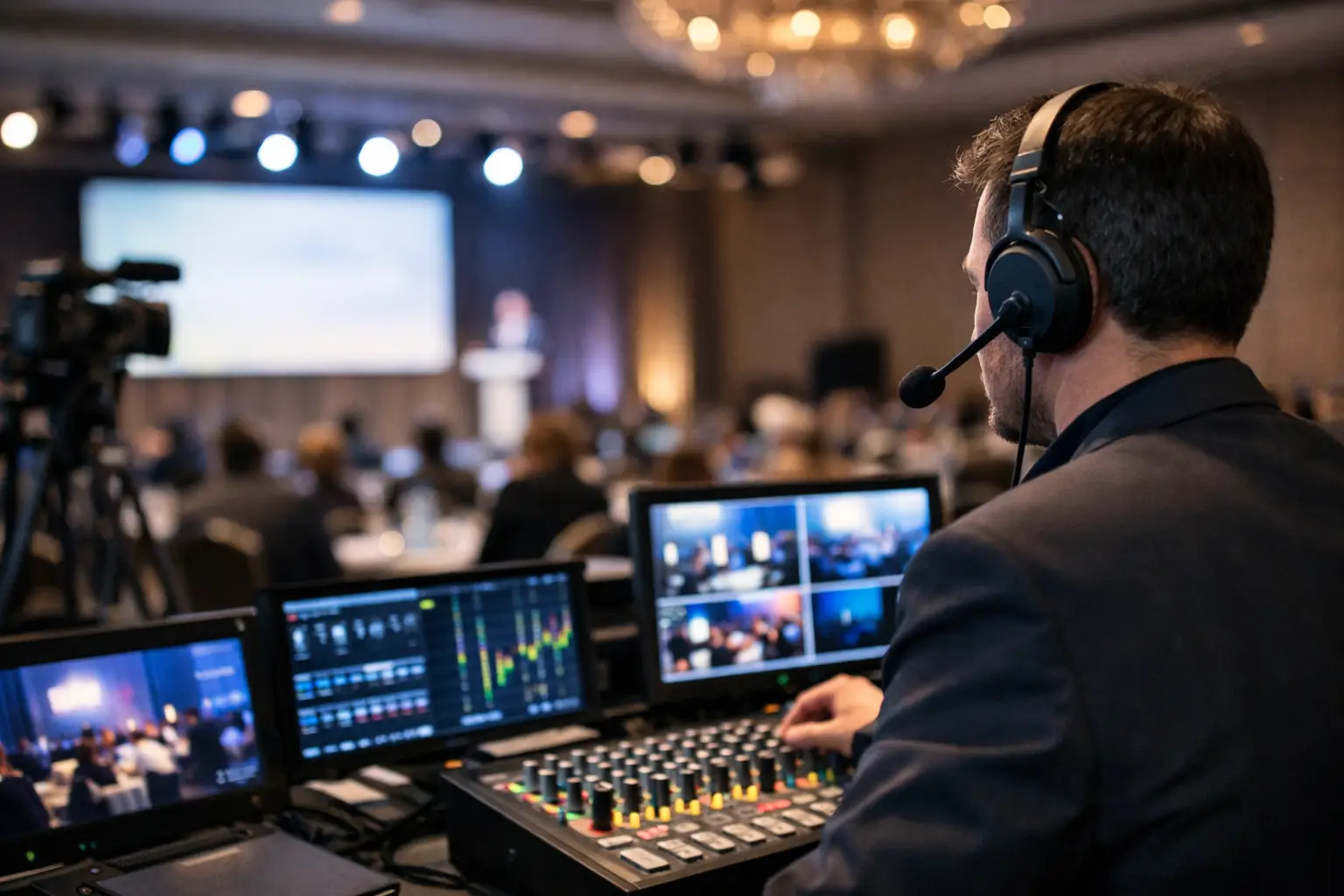
A conference can have the right venue, speakers and delegate list yet still feel poorly run if people cannot hear a keynote, read a presentation or follow a hybrid discussion. This conference audiovisual planning guide will help you turn AV from a last-minute technical requirement into a controlled part of your event plan.
For corporate event teams, audiovisual production is not simply about hiring a screen and microphones. It shapes attention, energy, brand perception and the confidence delegates have in your organisation. Getting it right starts early, with a clear brief that gives the venue and production team enough detail to recommend the right solution rather than the most expensive equipment.
Before discussing equipment, decide what delegates need to see, hear and do at each point in the agenda. A board presentation for 40 people has very different requirements from a 500-person sales conference with live walk-on music, awards stings and remote speakers.
Think through the room from the back row. Can every delegate see detailed slides without straining? Will speakers need to move around the stage? Does the agenda include panel discussions, audience questions, videos, demonstrations or presentations from several laptops? If the answer is yes, the AV design must support those moments without delaying the programme.
Your event format also affects the set-up. Theatre-style seating may allow a single central screen in a smaller room, while wider rooms often need confidence monitors for presenters and relay screens for delegates at the sides. Cabaret layouts require careful sightline planning because heads, table centres and pillars can obstruct the main display.
Give your AV partner a practical description of the outcome, not just a shopping list. For example: “We need every delegate to clearly follow data-heavy presentations, with polished speaker walk-ons and a fast handover between six presenters.” That is more useful than requesting “two screens and microphones”.
Include the audience size, room layout, agenda timings, speaker format and brand expectations. If senior leaders are presenting, a discreet, well-rehearsed production approach matters as much as the equipment specification.
AV needs can influence which venue is right for your conference. A room with low ceilings, fixed lighting or limited power may restrict staging and screen options. A venue that appears economical at first can become more expensive once additional rigging, technicians or external equipment are required.
Share your initial AV brief during venue sourcing. Ask for the venue’s standard equipment list, technical specifications, floorplans, loading access, power availability and any restrictions on external suppliers. Establish whether the venue has an in-house AV team, a preferred supplier arrangement or exclusive production charges.
Preferred supplier arrangements are not automatically a problem. They can be beneficial where the technical team knows the room well and equipment is already installed. However, you should still understand the pricing structure, what is included and whether the supplier can meet your production standard. Compare like for like, particularly on technician hours, rehearsal time and contingency equipment.
A useful brief identifies the conference date, delegate numbers, room layout, agenda and access times. It should also explain the content being shown, including video, animation, live demonstrations and any requirement for event recording or streaming.
State how many speakers will be on stage at once and whether they need handheld, lapel or headset microphones. Include audience participation, remote contributors, interpreter requirements and accessibility needs such as live captioning or hearing support. These details prevent costly changes once the production team is already on site.
The right AV package depends on the room, content and audience. Bigger is not always better. An oversized LED wall can be impressive, but it may not be appropriate for a small leadership meeting where clear screens and excellent audio are the priority.
For most corporate conferences, the core considerations are display, sound, lighting, staging and show control. Display could mean projection, LED screens or comfort monitors. Projection can be cost-effective in a controlled, dimly lit room, while LED performs better in bright spaces and creates a stronger visual impact. The trade-off is budget, room size and the type of content being shown.
Audio deserves particular attention. A microphone count should cover every person expected to speak, plus a realistic allowance for audience questions and unexpected changes. For panel sessions, individual lapel microphones offer a cleaner appearance, while handheld microphones can be more flexible and economical. Ask how audio will be managed between sessions so that walk-on music, videos and speaker microphones do not compete.
Lighting should support both the room and the people on stage. Good stage lighting makes speakers visible and helps camera footage look professional. Branded gobos, colour washes and intelligent lighting can add impact, but should serve the event identity rather than distract from the programme.
A quoted AV figure can look attractive until essential operational costs appear later. Build your budget around the complete delivery: equipment, technicians, transport, installation, rehearsal, show operation, derig and any overnight security or storage.
Technician time is often the difference between a controlled event and an avoidable problem. A self-operated presentation clicker may be suitable for a straightforward internal meeting. For a multi-speaker conference with video, music and frequent transitions, dedicated show calling and technical operation protect the pace of the day.
Allow contingency in both budget and equipment. Spare presentation clickers, backup microphones, duplicate presentation files and an alternative laptop are modest investments compared with the disruption caused by a single point of failure. For high-profile events, consider backup internet connectivity and a tested plan for continuing if a remote speaker drops out.
Be clear on what the venue’s package includes. “Screen and projector” may not include an operator, HDMI adaptors, a comfort monitor, audio feed, stage lighting or the cable management needed to keep the stage safe and presentable. Request an itemised proposal and challenge vague descriptions before signing off.
The best conference AV plans allow time to test the real content with the real people. A technical rehearsal is where presenters become comfortable with microphones, slide advances, walk-on routes and confidence monitors. It is also where the production team can check video playback, embedded audio, fonts and presentation aspect ratios.
Set a content deadline and enforce it. Last-minute presentation changes are common, but they should follow a controlled process. Nominate one person to collect files, name them consistently and confirm the final running order. The AV operator should not have to search through multiple versions of “Final Presentation v8” minutes before a keynote.
Create a detailed show flow that records session start times, speaker names, microphone requirements, slide decks, videos, walk-on music, lighting cues and any remote links. This document gives everyone a shared reference point and makes handovers between event, venue and AV teams far more reliable.
Speakers may arrive late, bring an unfamiliar laptop or change their slides after rehearsal. Senior stakeholders may want to take questions from the floor. Build sensible flexibility into the schedule and keep a technician or event lead close to the stage to manage changes calmly.
For virtual contributors, schedule a connection test in advance and provide clear guidance on their camera position, lighting, microphone and internet connection. A remote speaker joining from a quiet, wired location will usually be more dependable than one attempting to present from an airport lounge.
Confusion is a common cause of AV issues. Establish who owns the relationship with the venue, who approves production changes, who signs off content and who has authority to alter the running order. A single point of contact prevents contradictory requests reaching technicians while the conference is live.
The event lead should meet the production manager before doors open to confirm the first cues, speaker arrivals, emergency contacts and escalation process. Check the room as delegates will experience it: presentation visibility, sound levels, stage appearance, aisle safety and signage.
For larger conferences, a dedicated event management partner can coordinate venue teams, AV suppliers, accommodation and programme logistics in one place. International Events helps corporate teams reduce that supplier management burden while keeping delivery, budget and responsibilities under close control.
A well-planned AV set-up should feel almost invisible to delegates. When the room looks on brand, every speaker is heard and the programme moves without hesitation, your audience can focus on the message that brought them there.

See a delegate booking consolidation example that cuts admin, controls hotel costs and gives your event team one clear point of contact from start to finish.
Read more
Know when to use corporate room blocks to reduce accommodation costs, protect attendance and simplify hotel coordination for business events at scale.
Read more
Learn how to measure conference attendee engagement using practical metrics that improve content, venue decisions, delegate experience and event results.
Read more
Copyright International Events Incorporated.
All rights reserved
Copyright International Events Incorporated.
All rights reserved

Fill in the following details. We respect your privacy, we don’t spam.
Fill in the following details. We respect your privacy, we don’t spam.  Or call us on 07715 242282
Fill in the following details. We respect your privacy, we don’t spam. Or call us on 07715 242282


 Enquire now


